Overview
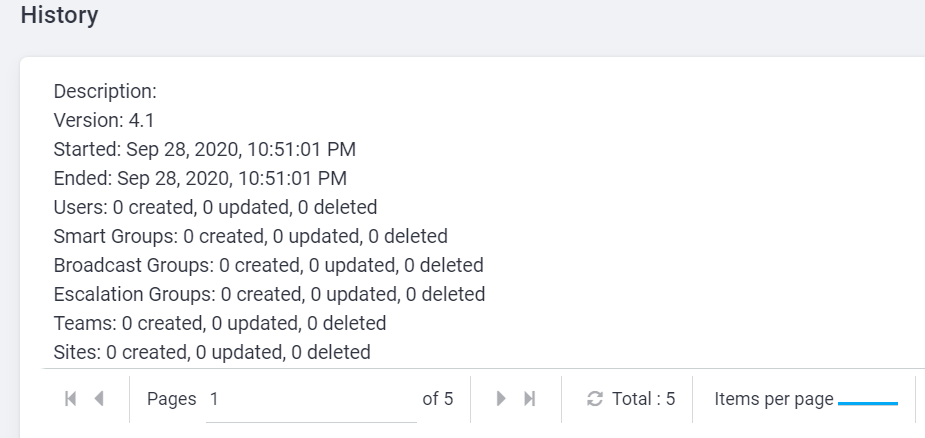
You might need to check AlertFind Import Results History.
Solution
Prerequisites
- AlertFind Admin role.
Follow the steps below to check import results history:
- Log in to AlertFind
- Open AlertFind portal URL depending on the datacenter you were assigned to:
-
Input username and password.
- Click Application Settings button
- Scroll Down to Data Management Settings
Priyanka Bhotika
Comments